
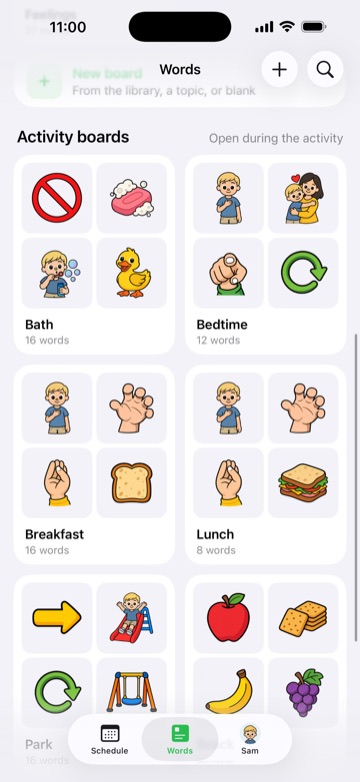
A board for every activity.
Breakfast, Park, Bedtime: each moment opens its own words.
For young children who don’t speak yet
From breakfast to bedtime, their iPad shows the words for what’s happening now.
On the App Store · iPad for them, iPhone for you
Follow a day
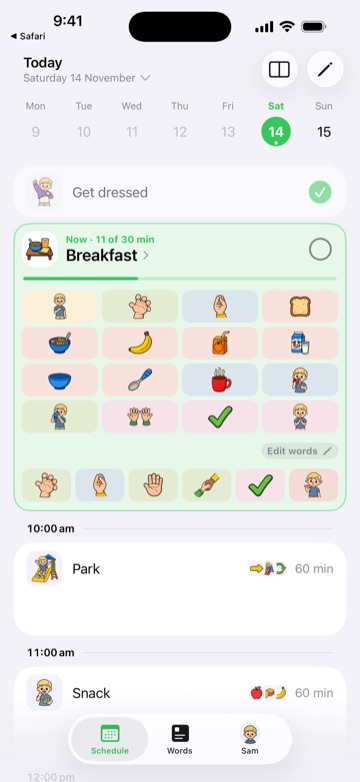
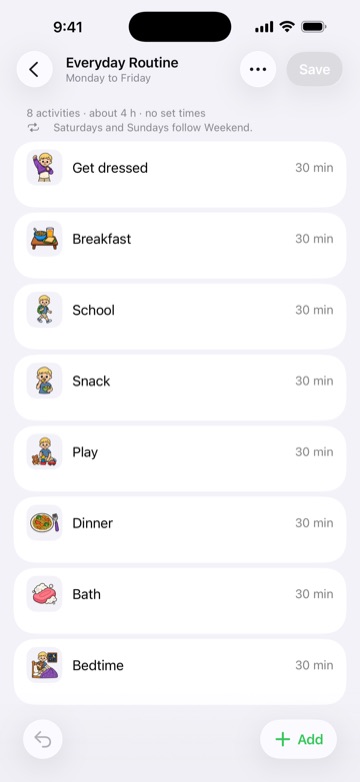
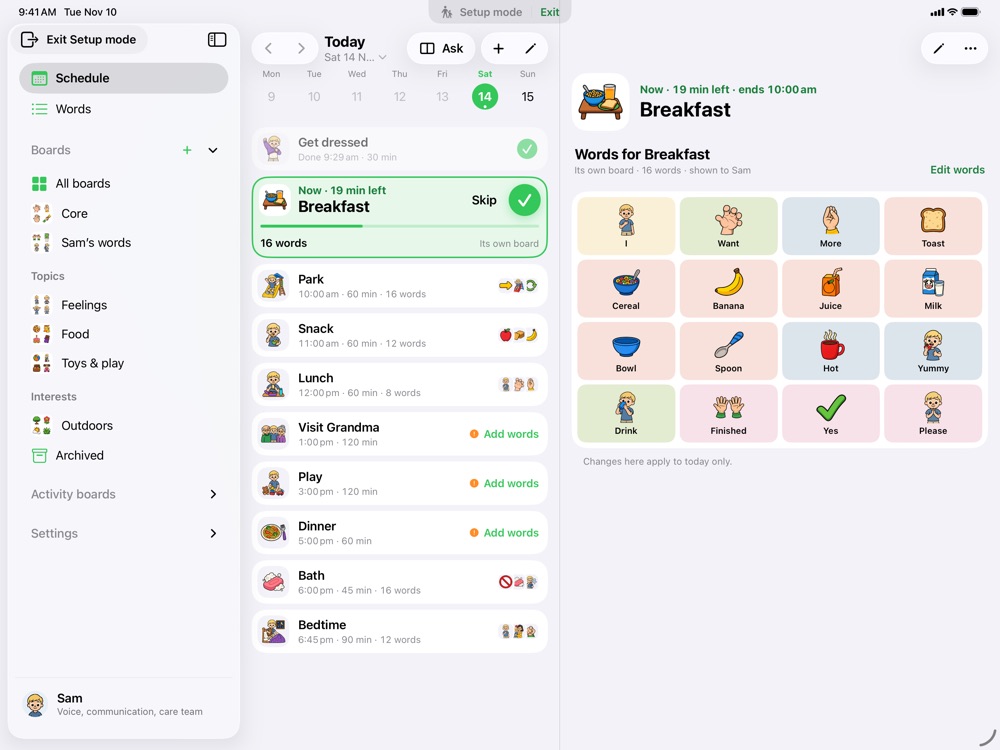
Set their Everyday Routine once. Each morning their iPad lays out the day from it and moves from one moment to the next by itself, bringing the right words with it. You don’t have to touch it, unless you want to.
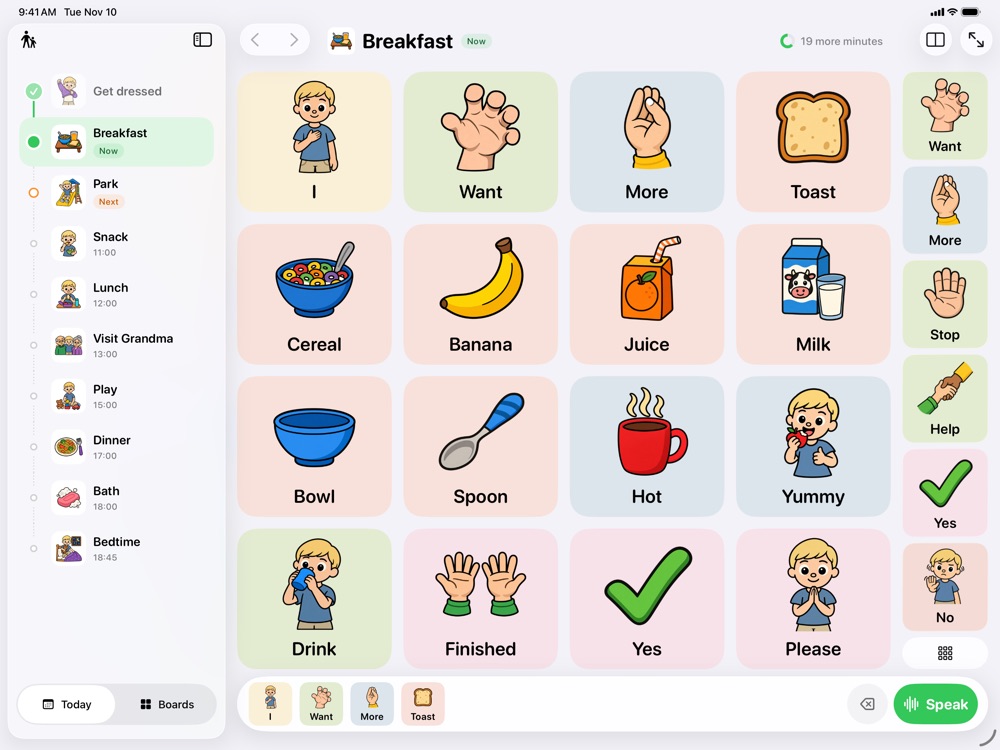
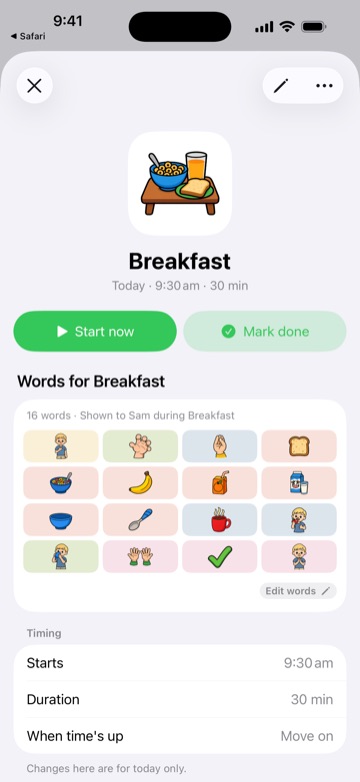
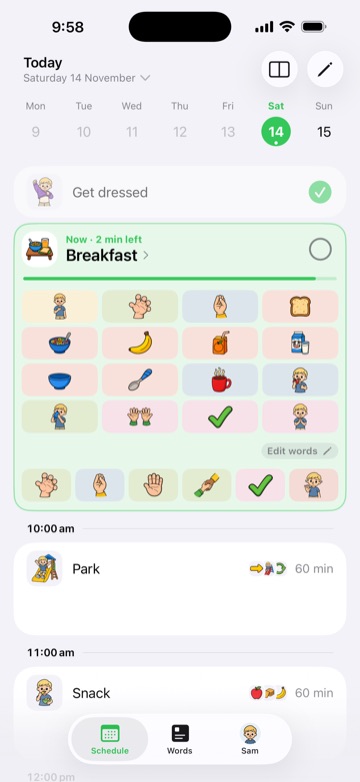
Breakfast · Now
Breakfast brings its own words, beside the core words they use all day.
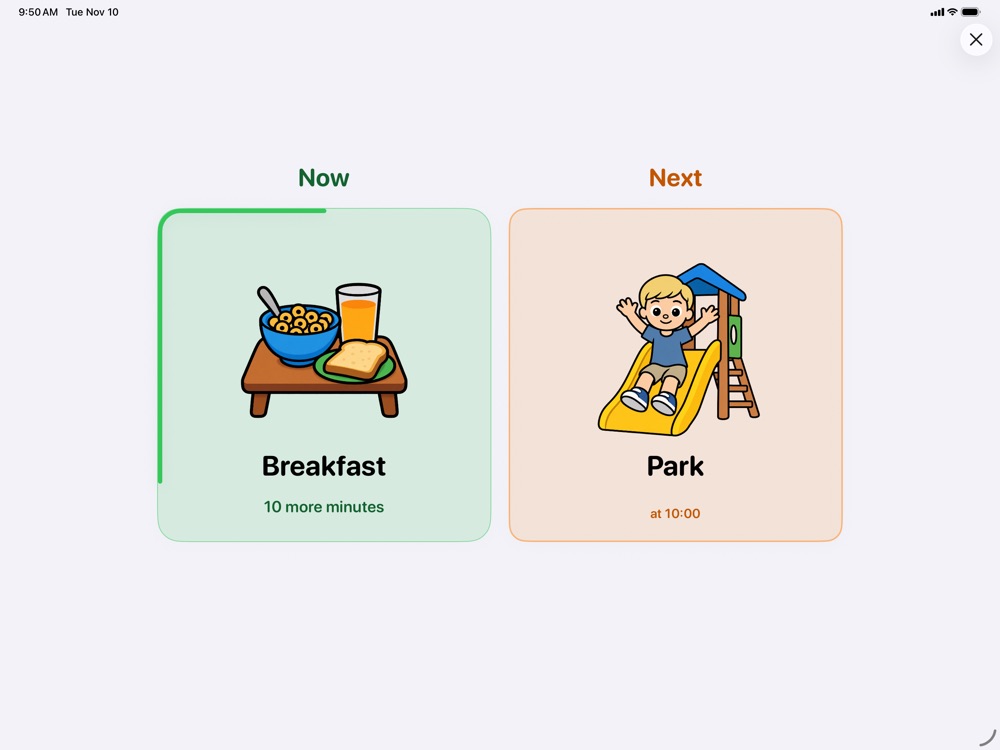
Before Park
The Now card counts down and Next shows what comes after, so the end of breakfast is never a surprise.
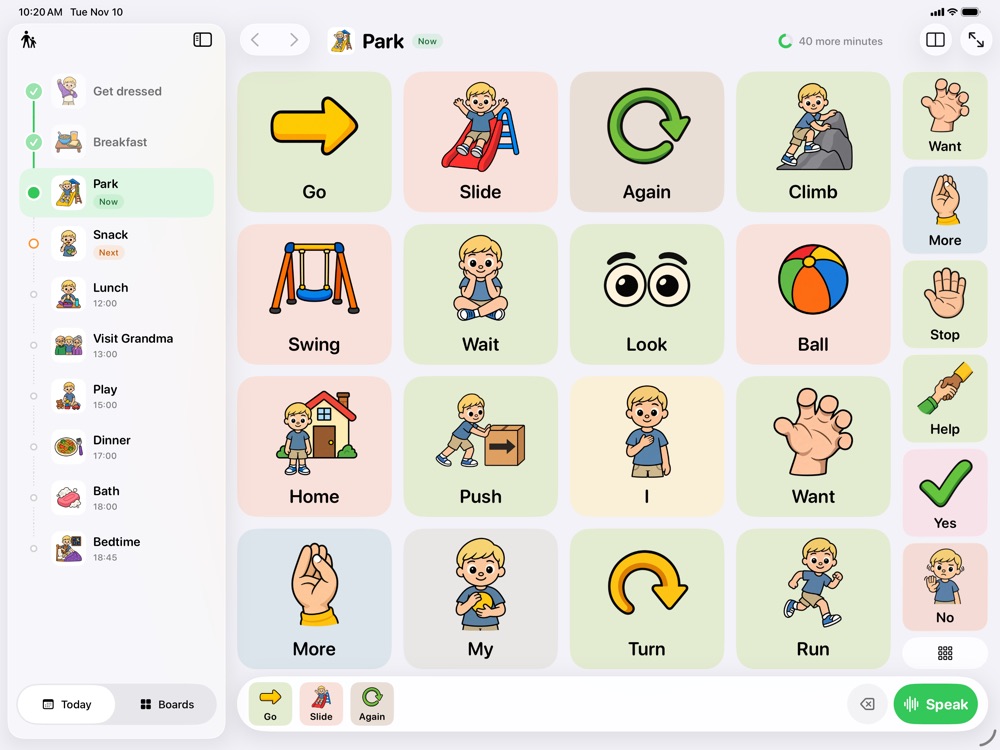
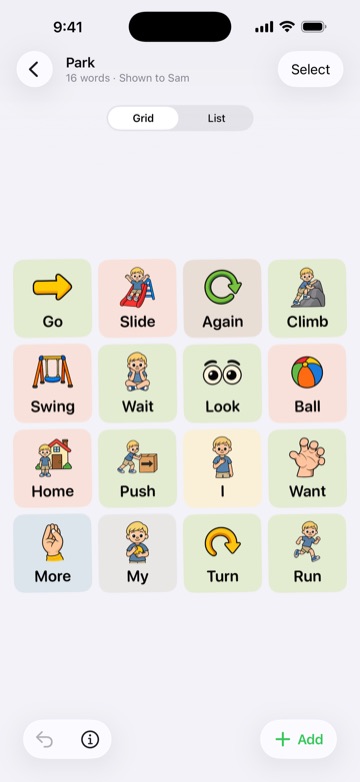
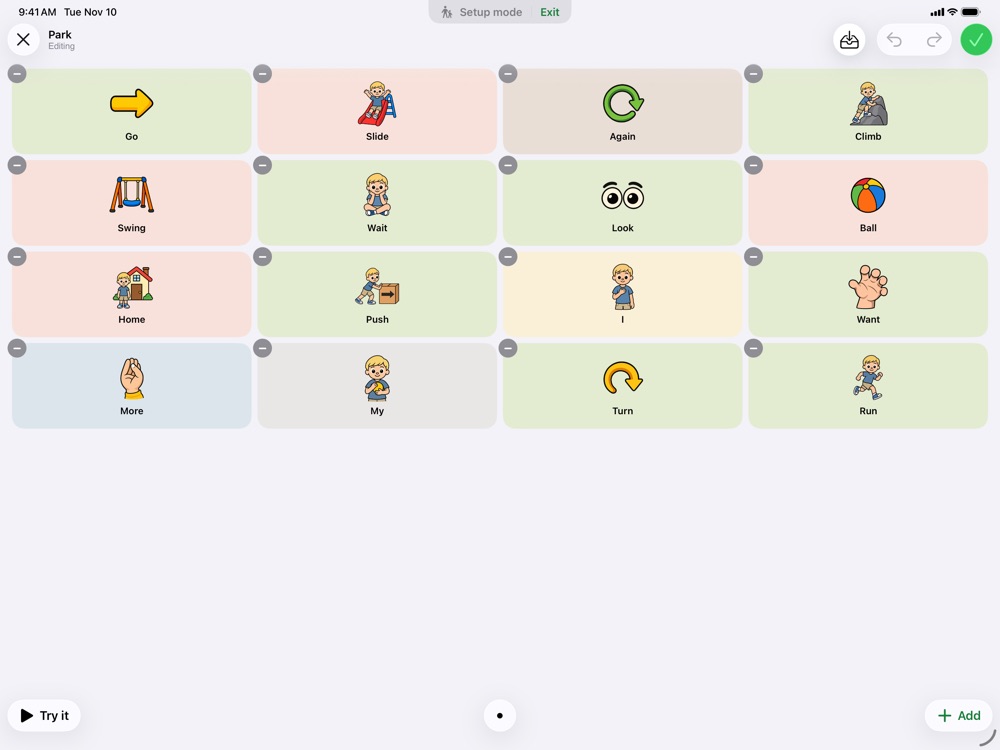
Park · 10:00 am
Go, Slide, Swing, Again. The park board comes forward, and Want, More and Stop stay where they always are.
Snack · 11:00 am
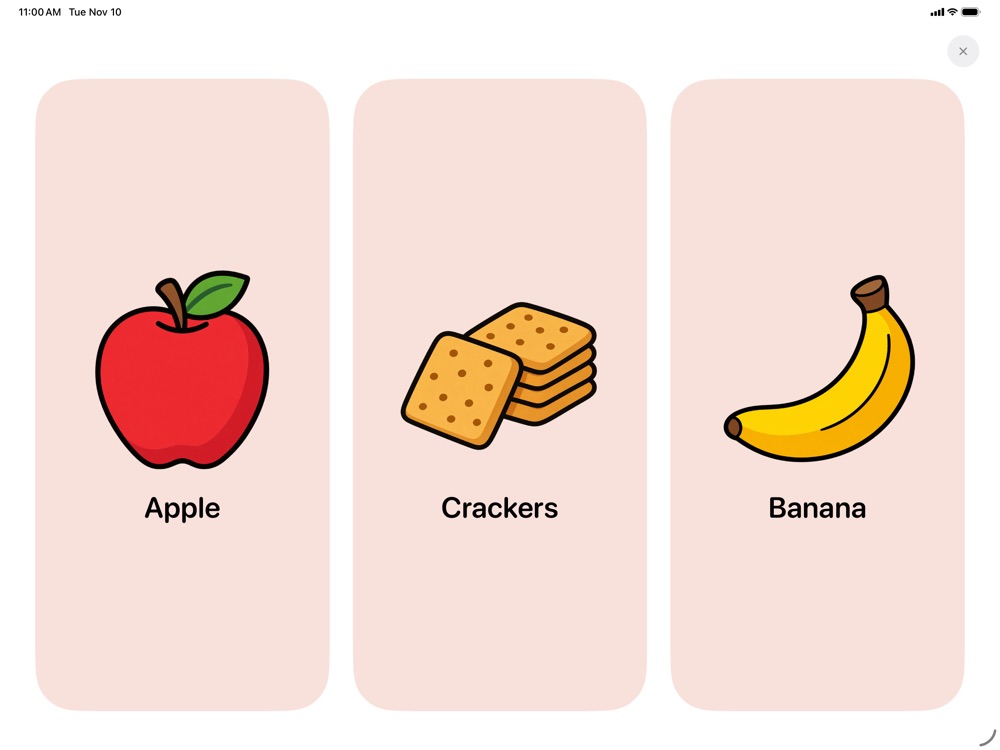
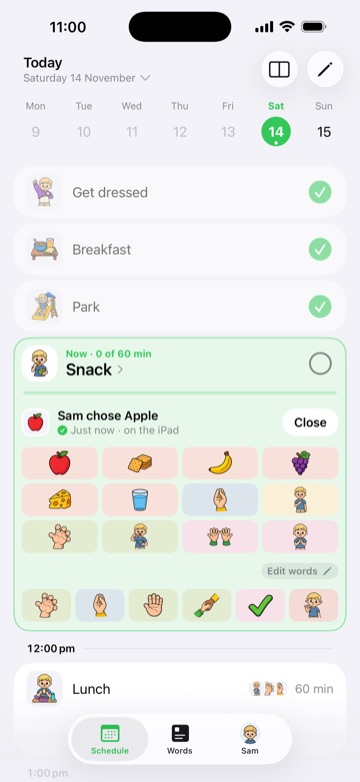
Send a choice from your phone. They tap one on their iPad, and their pick comes back to you.
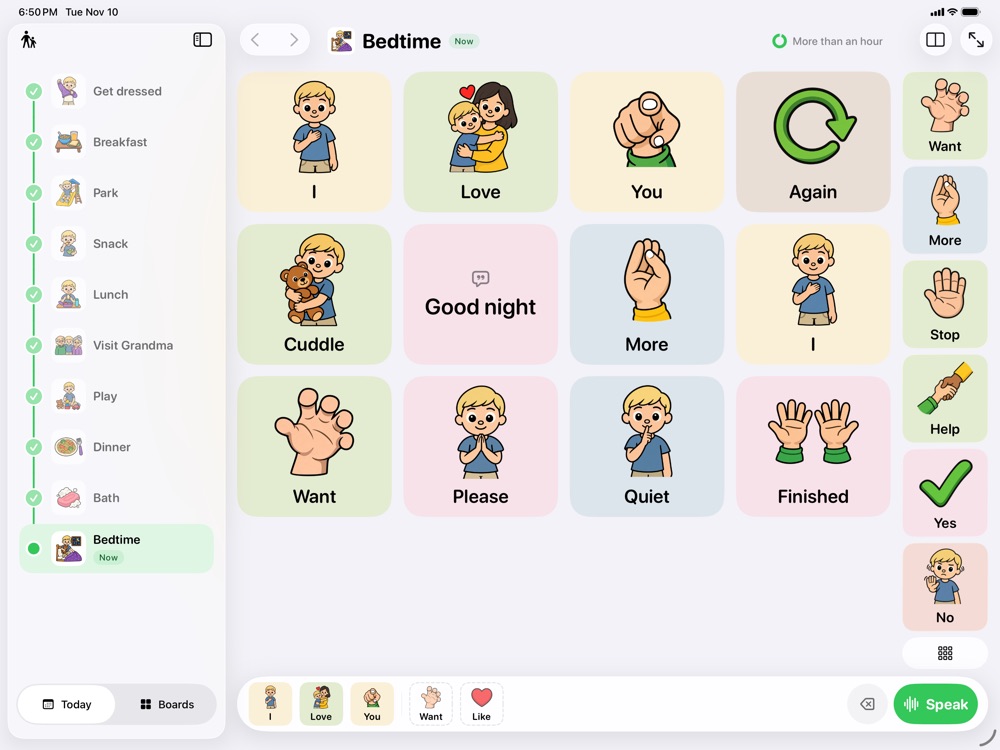
Bedtime
Bedtime words, and the words they’ve been waiting to say.
Their words
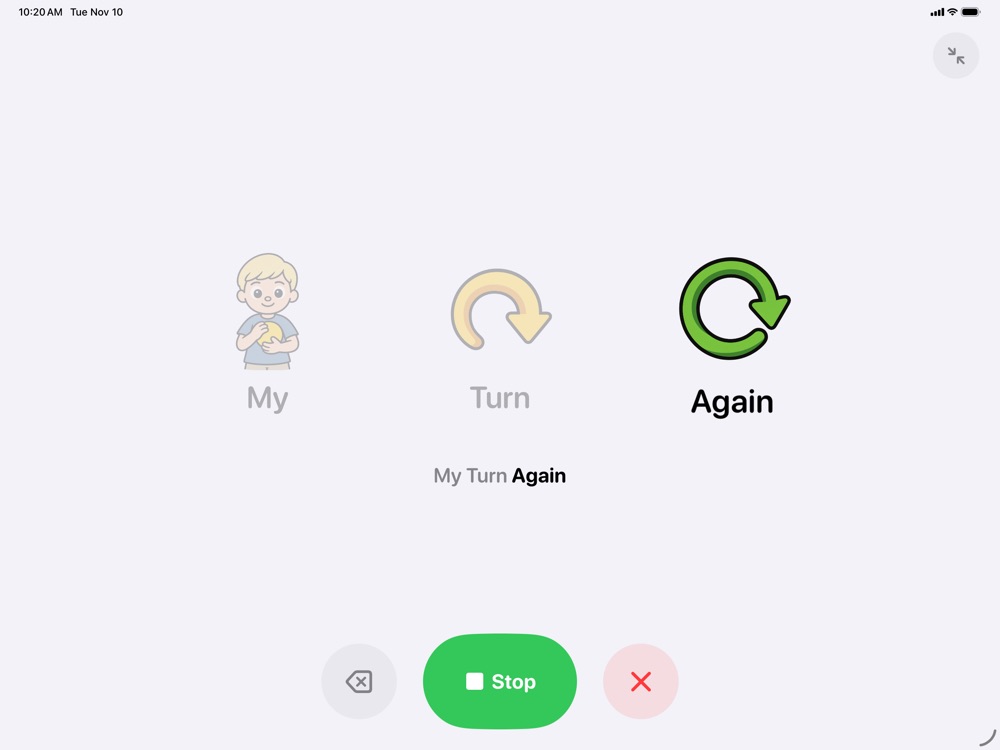
Each part of the day opens its own board, and the words they use most never move. Tap the pictures, then Speak, and their sentence is said out loud.
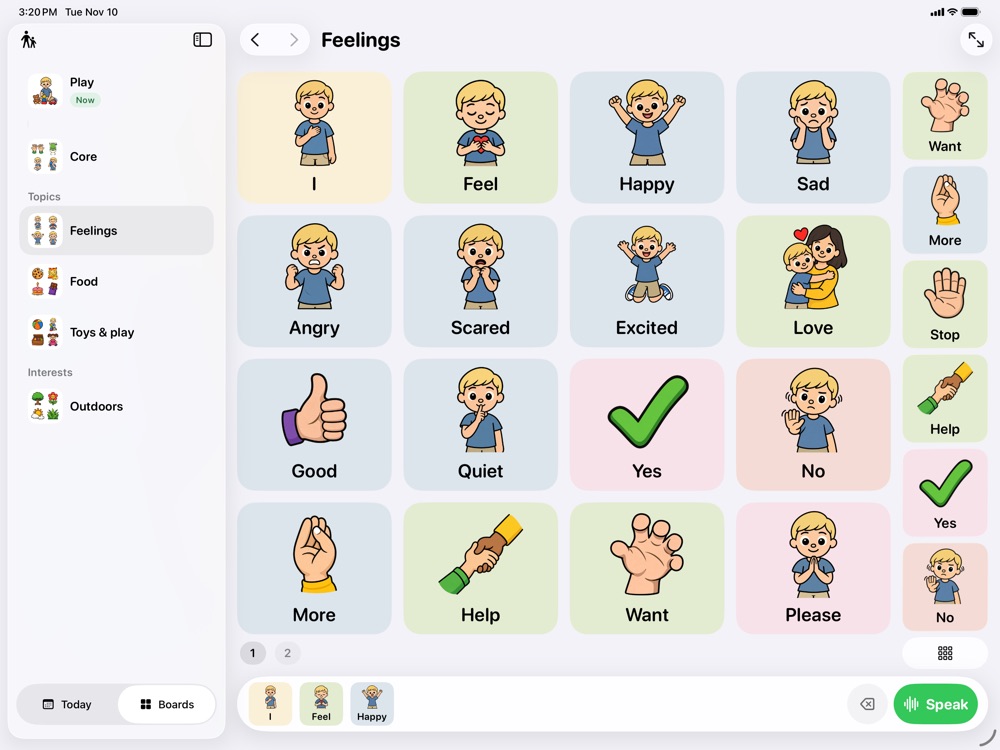
Want, More, Stop, Help, Yes and No sit in the same place on every board, so their hands learn where to go.
Start with familiar words, like Feelings, Food, Toys & play and Outdoors, and add more as their interests grow.
Breakfast, Park, Bedtime: each moment opens its own words.
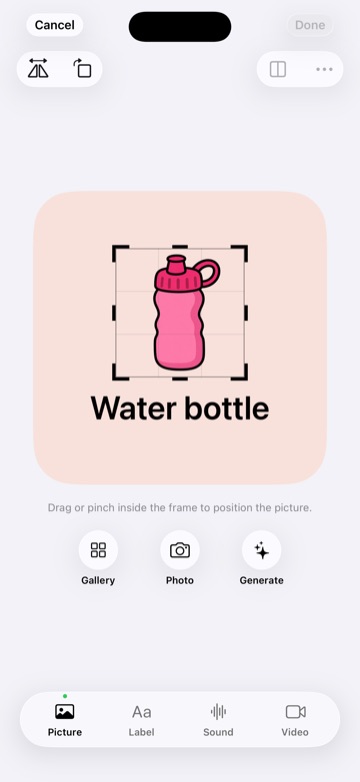
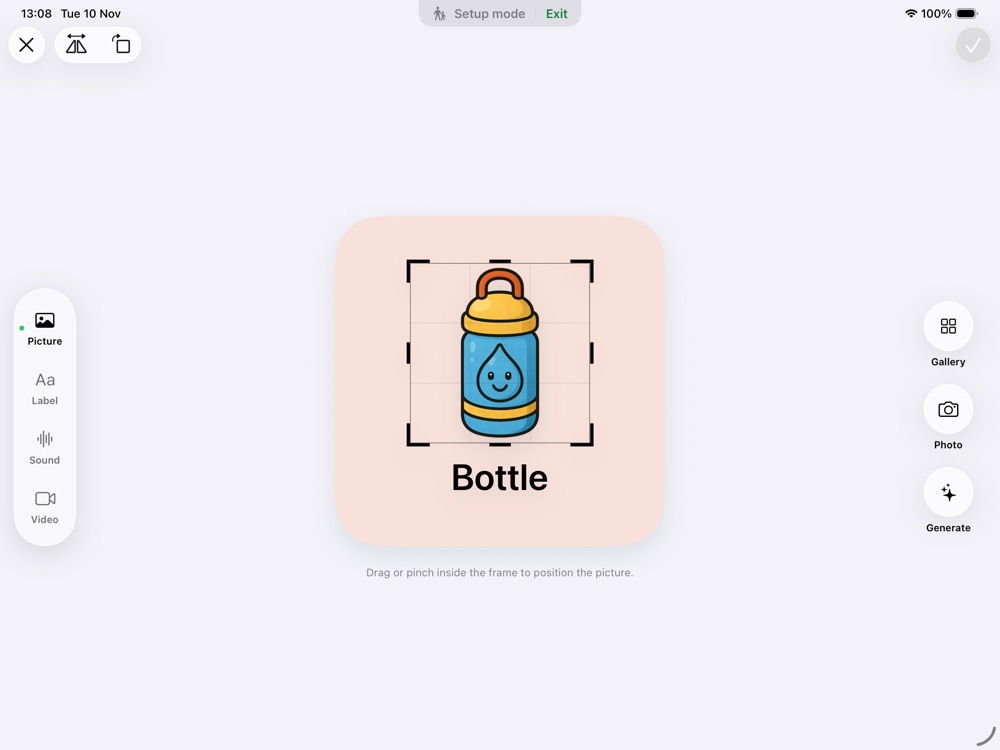
Take or choose a photo, pick one of Verbago’s pictures, or have one drawn in Verbago’s style.
Behind the day
Setup mode on their iPad
A parent gate opens Setup mode over their day. Edit today, a board or a word, then tap Exit and their iPad is theirs again.
Setup mode asks a sum only a grown-up would do, or a 4-digit PIN if you set one, so they can’t open your tools.
Family & Care Team
Send an invite from your iPhone, or from Setup mode on their iPad. Everyone works from the same pictures used at home, so a word learnt in a session is there at bath time.
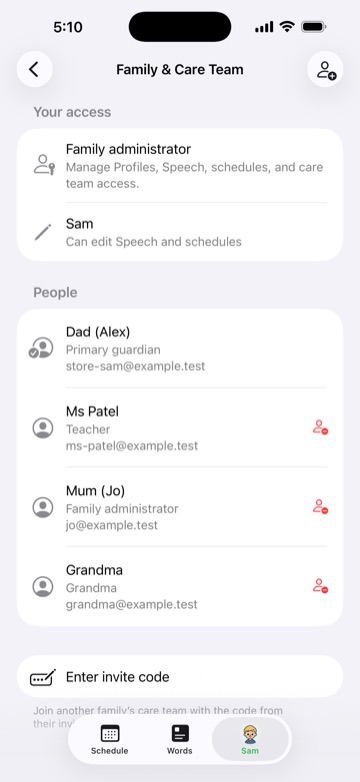
Only the people you invite can see their day, and each of them can do only what you allow.
Read the privacy policyVerbago for iPad and iPhone
Set up their day tonight, and tomorrow their iPad brings the right words to every moment. Subscribe in the app, and cancel any time in Settings.
Give them their wordsYoung children who don’t speak yet, or don’t speak much, and the grown-ups around them: parents, teachers and school staff, and speech and language therapists.
An iPad for your child and an iPhone for you. You can also make changes on the iPad itself, in Setup mode.
Verbago draws it in the same style, from a short description and a couple of questions. You can also take a photo and crop it square.
Yes. Everything on the iPad works offline. Only signing in, invites and purchases need a connection.
Yes. Invite them from the app and choose what they can do. They see the same boards and the same day.
Not without you. Setup mode sits behind a parent gate: a sum only a grown-up would do, or a PIN you choose.
No. Each day is built from their Everyday Routine and moves on by itself. Step in when you want to, and change just today without touching the routine.